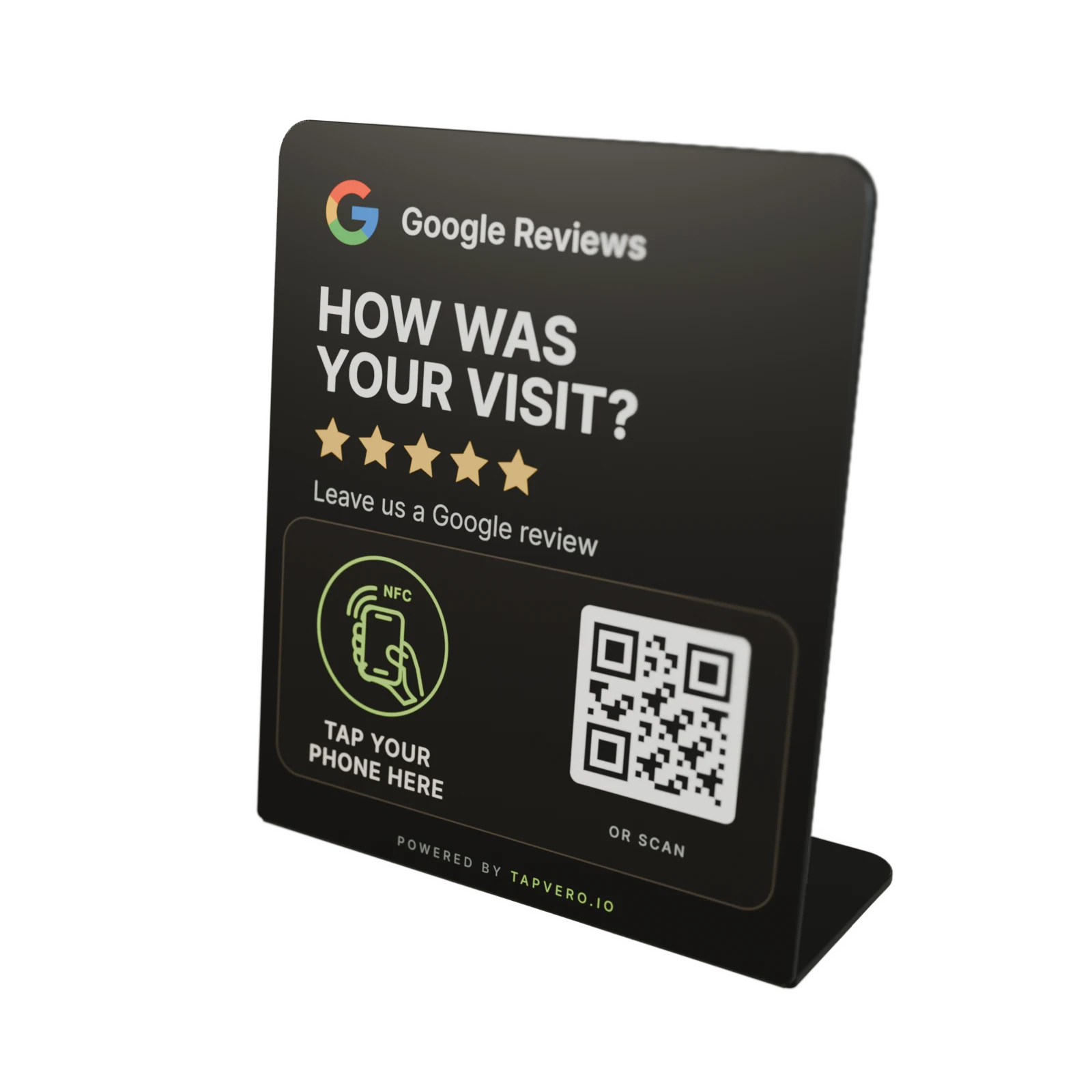
Connected productTapvero StandSerial number
Active
- Google review link
- Editable field
- Link requests
- Lifetime total
- Activated
- Date
- Last request
- Date
Review products and quantities before checkout.
My products
After activation, My products shows each connected Tapvero unit and the Google review link it opens. Update the link without reprinting the QR code or replacing the display.
A link request records a request to the Tapvero URL; it does not confirm a unique visitor or published review.
My products
See the assigned review link, update it after activation, and check its activation date, total link requests, and latest request date.
View each Tapvero product connected to the owner account in one place.
Save a new direct Google review link without replacing or reprinting the physical display.
See the recorded request total for each product's Tapvero URL.
Check when the product was activated and the most recent recorded request date.
Update the destination
The printed NFC and QR routes continue to use the unique Tapvero URL assigned to that physical unit.
Activity details
My products records requests to each Tapvero URL. Google Business Profile remains the source of truth for reviews.
Link requests
A request is recorded when Tapvero receives a request to the product URL. The count can include repeat visits, tests, or automated traffic and does not confirm a unique customer or published review.
Editable link
Update the Google review link assigned to a connected product. Future requests to its Tapvero URL use the current saved link.
Review results
Google Business Profile remains the source of truth for published reviews, moderation, ranking, and performance.
Choose your product
Explore the Stand and Plate, or ask about a Custom design, quantity, and activation.