Physical layer
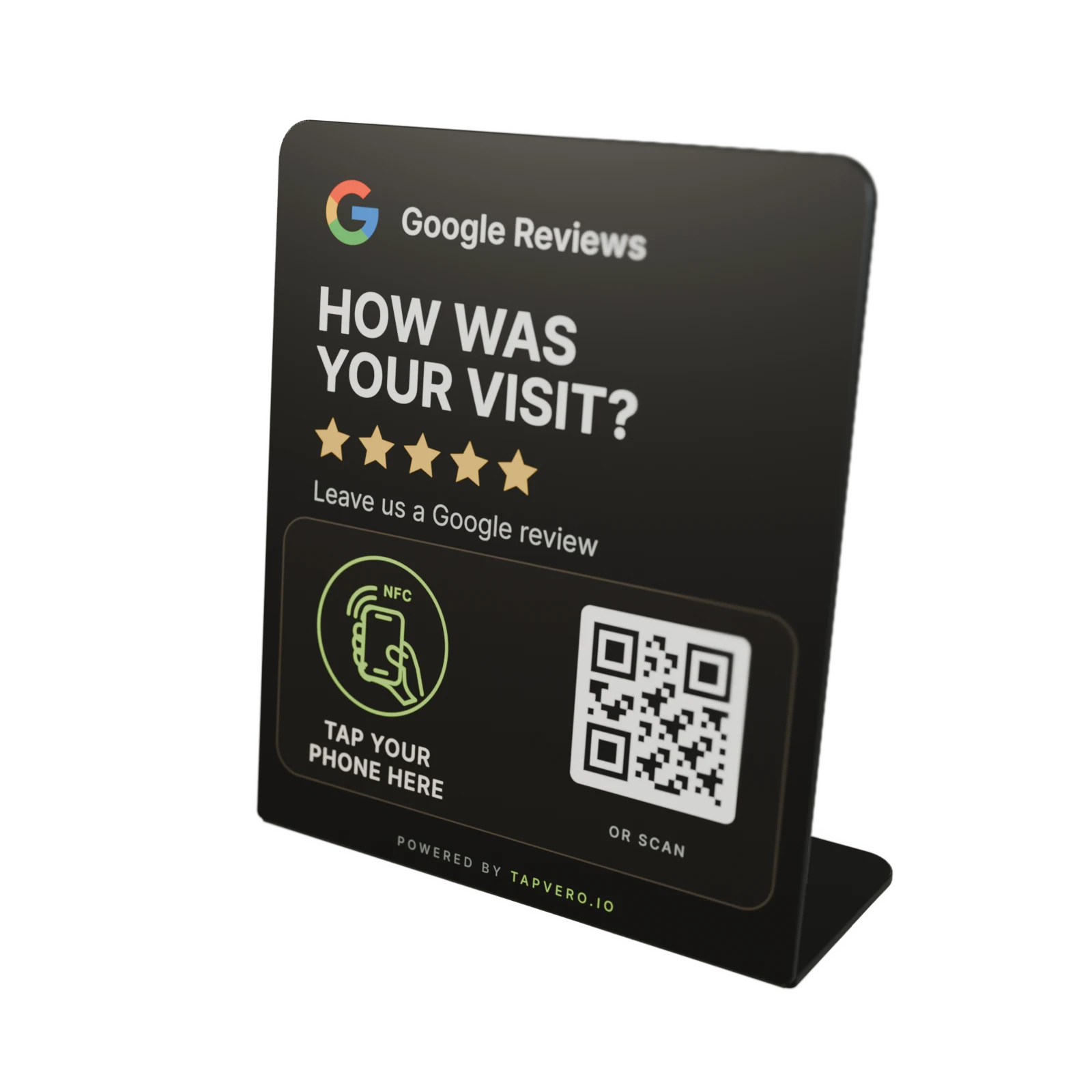
The printed QR and encoded NFC use the same Tapvero URL.
The customer can choose either route without needing a Tapvero app.
Review products and quantities before checkout.
How Tapvero works
Place Tapvero after checkout, service, pickup, or handover. The customer taps the NFC target or scans the QR code to open the direct Google review link assigned to that unit.

The customer journey
Customers choose between the marked NFC target and the printed QR code. Both use the same unique Tapvero URL.
Place
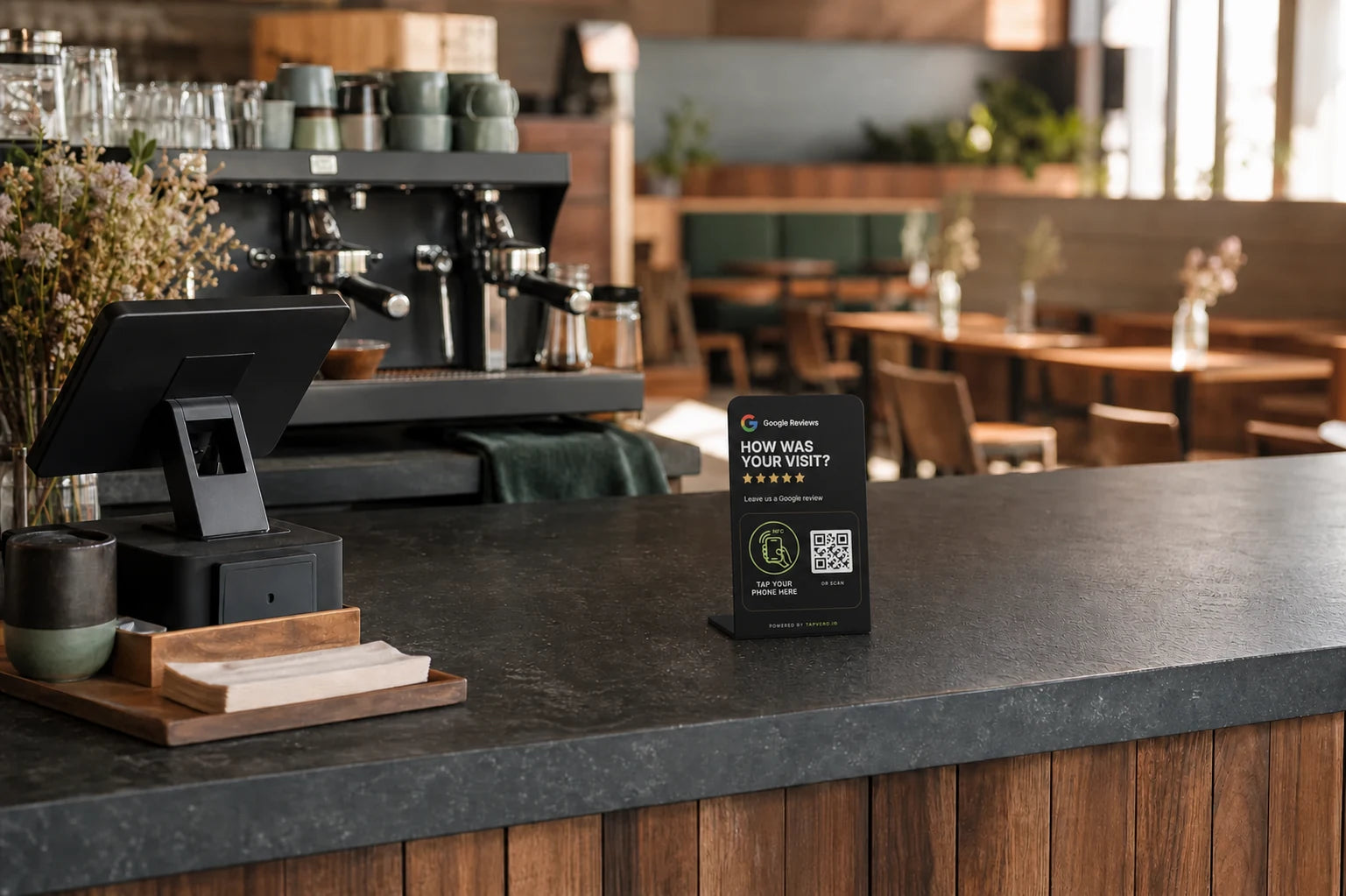
Use a counter, reception desk, pickup point, table, or handover area once the visit, purchase, or service is complete.
Tap or scan
The customer holds their phone near the marked tap area or scans the printed QR code. There is no Tapvero app to download.
Open
The customer chooses whether to leave a review and what to write.

Simple in front. Editable behind it.
Each connected product keeps its unique Tapvero URL. After activation, update the Google review link saved behind that URL in My products.
Physical layer
The customer can choose either route without needing a Tapvero app.
Owner layer
Change the destination in My products without replacing or reprinting the display.
Choose the touchpoint
Stand and Plate use the same Tapvero system. Choose by visibility, available surface, and how customers move through the space.
Counter format
Compact format
Review integrity
Tapvero does not write reviews, choose ratings, screen customers by sentiment, or guarantee that a review will be submitted or published.
Tapvero is an independent product and is not affiliated with, sponsored by, or endorsed by Google.
Read the review research and guidanceChoose the format for your space
Start with the Stand or Plate, or request a Custom Stand designed around your brand.